
Organizing Events Made Easy: My Deep Dive into Eventbrite
Let’s be real for a minute. Planning an event, no matter how big or small, can feel like juggling flaming torches while riding a unicycle on a tightrope. From getting the word out to managing registrations, collecting payments, and then actually making sure everyone gets in smoothly on the day – it’s a lot. For years, I stumbled through spreadsheets, clunky email lists, and a fair bit of prayer hoping things wouldn’t completely fall apart. Then, a few years ago, a friend recommended a platform that promised to streamline everything: Eventbrite.
Now, I’m not one to jump on every new tool out there. I’m a bit of a skeptic when it comes to platforms that claim to solve all your problems. But the pain of my previous event-organizing attempts was real, so I decided to give Eventbrite a try. What started as an experiment for a small community workshop quickly evolved into my go-to solution for everything from local meetups to larger, ticketed conferences. And let me tell you, it’s genuinely changed the game for how I approach event management.
My Journey into the World of Seamless Event Planning
My first foray with Eventbrite was for a series of creative writing workshops I was running. Previously, I’d been handling registrations through direct emails, asking people to Venmo me, and then manually tracking attendees on a Google Sheet. It was inefficient, prone to errors, and took up way too much of my time – time I’d rather spend crafting workshop content. The thought of setting up an online registration system felt daunting, like I needed a degree in web development.
But from the moment I landed on the Eventbrite homepage, I felt a sense of relief. The interface was clean, intuitive, and guided me step-by-step through the process of creating my first event. I could add all the details, set different ticket types (even offering an “early bird” discount which felt super professional!), and write a compelling description. It was like having a personal event assistant walking me through each stage. The moment I published that first event and saw the sleek, branded page live, I knew I was onto something. People started registering almost immediately, and the money went directly into my account without me having to chase anyone down. It was magic.
Since then, I’ve used Eventbrite for a diverse range of happenings. I’ve organized a local photography exhibition, a series of online webinars during the pandemic, and even a medium-sized marketing conference for a client. Each time, the platform adapted beautifully to the specific needs of the event. It truly feels like it was built with organizers in mind, anticipating the common hurdles and providing straightforward solutions. If you’re tired of the logistical headaches and want to focus on what truly matters – your event content and attendees – then I highly recommend giving them a look. You can start exploring their features and see for yourself what a difference it makes: Visit Official eventbrite Website Now.
Diving Deep into the Features I Absolutely Love
When you’re looking for an event management platform, you want something robust, reliable, and user-friendly. Eventbrite ticks all those boxes for me, and then some. Let’s break down some of the functionalities that have truly stood out in my own use:
1. Effortless Event Creation & Customization
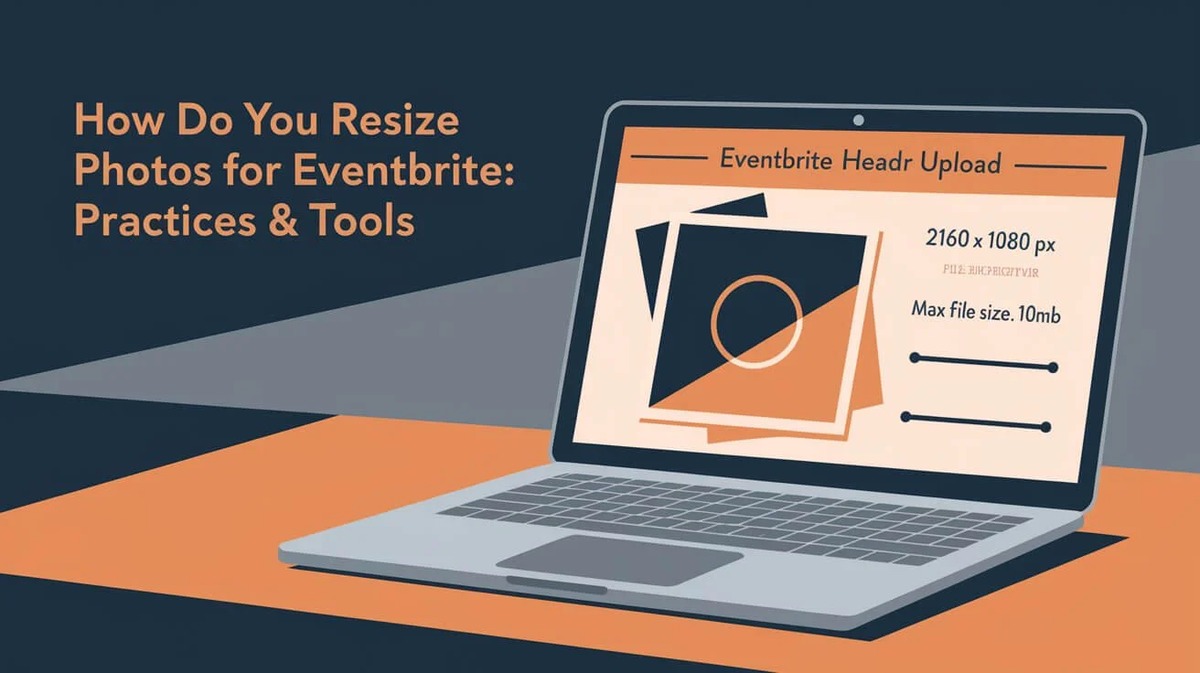
This is where Eventbrite truly shines for me. The event setup wizard is incredibly intuitive. You input your event name, date, time, location (virtual or in-person), and then move on to the more creative stuff. You can upload banner images, add detailed descriptions, create an agenda, and even integrate videos. What I appreciate most is the flexibility to customize the look and feel to match my brand or the event’s theme. It makes each event feel unique and professional, not just another generic registration page. I particularly love the preview mode, which lets me see exactly what attendees will experience before I hit “publish.”
2. Dynamic Ticketing & Registration Options
No two events are alike, and neither are their ticketing needs. Eventbrite understands this. I’ve used it to set up free registrations for community gatherings, multiple paid ticket tiers for conferences (e.g., “Early Bird,” “General Admission,” “VIP”), and even donation-based tickets for charity events. You can set capacity limits, create promotional codes for discounts, and even schedule when certain ticket types go on sale or expire. This level of control is invaluable. For my photography exhibition, I offered timed entry slots, which was incredibly simple to configure and helped manage crowd flow beautifully.
3. Powerful Promotional Tools
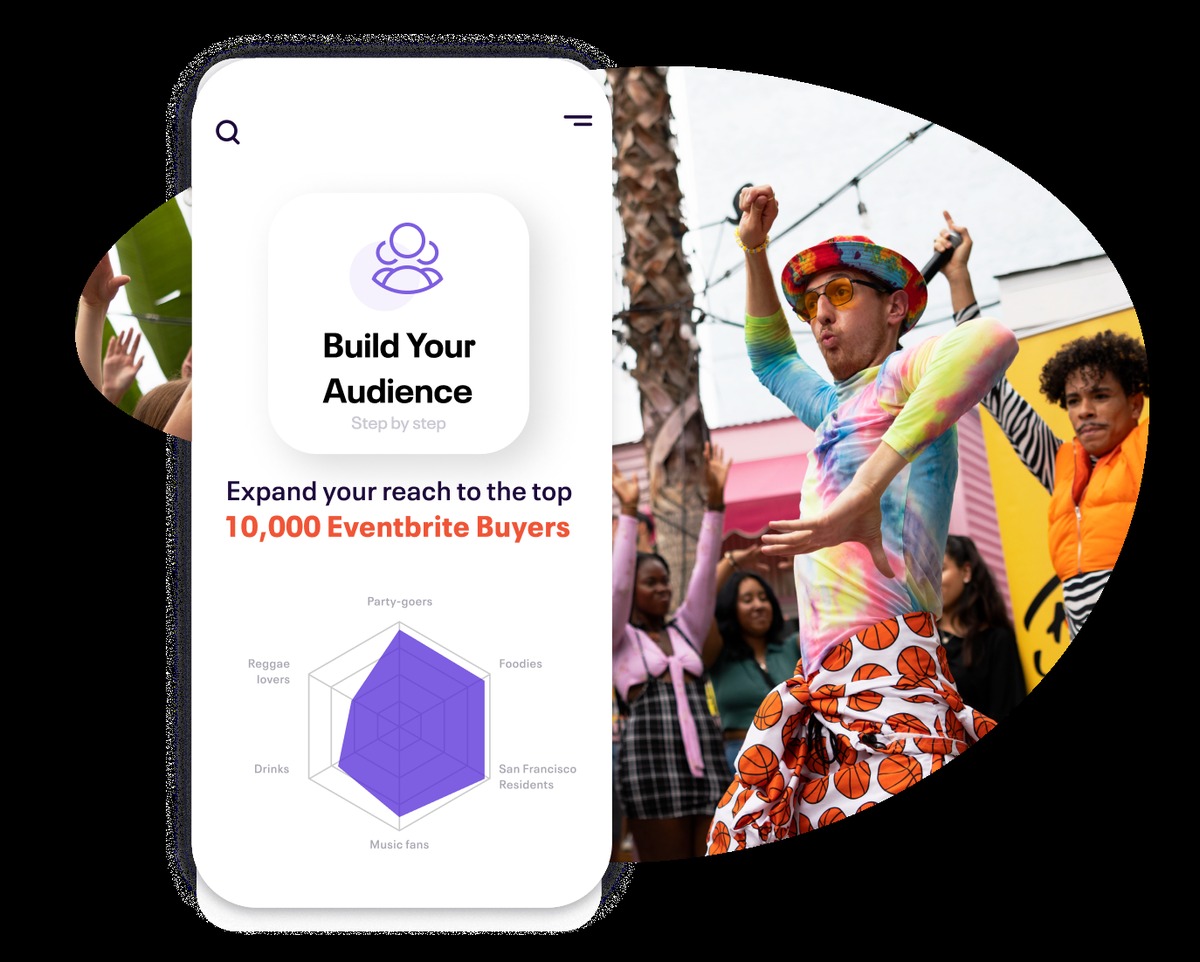
Once your event is set up, the next challenge is getting people to actually find and register for it. Eventbrite doesn’t leave you hanging. It offers built-in tools to help you spread the word. I regularly use its social media sharing integrations, allowing me to post directly to Facebook, X (Twitter), and LinkedIn with pre-filled event details and a direct link to my registration page. The email marketing feature is also a huge time-saver. I can send out announcements, reminders, and updates to my registrant list directly from the platform, keeping everyone informed without having to export lists and use a separate email service. Plus, your event gets listed on the Eventbrite discovery platform, which can bring in attendees you might not have reached otherwise. This organic discoverability has been a pleasant bonus for some of my smaller, local events.
4. Robust Analytics and Reporting
As an organizer, knowing how your event is performing is crucial. Eventbrite’s analytics dashboard provides real-time insights into ticket sales, attendee demographics, referral sources, and more. For my client’s marketing conference, being able to track which marketing channels were driving the most registrations was incredibly helpful for optimizing our campaigns. Post-event, the detailed reports make it easy to assess success, understand attendee behavior, and plan for future events. No more messy spreadsheets trying to piece together data; it’s all there, beautifully visualized.
5. Seamless Attendee Management and On-Site Experience
The day of the event can be hectic. The last thing you want is a bottleneck at check-in. Eventbrite’s mobile app for organizers is a lifesaver. I’ve used it countless times to scan tickets and check attendees in quickly and efficiently, even offline. For a larger conference, we had multiple check-in points, and the app synced across devices, preventing duplicate entries and ensuring a smooth start for everyone. You can also easily communicate with attendees directly through the platform, sending out last-minute updates or welcoming messages. It transforms what could be a stressful aspect of event day into a smooth operation.
What Could Be Even Better
No tool is perfect, and while I sing Eventbrite’s praises, there are a couple of areas where I think there’s room for growth. For smaller, free events, it’s absolutely fantastic. But for larger, paid events, the pricing structure, while competitive, does take a percentage of your ticket sales plus a processing fee. While this is standard for most ticketing platforms, it’s something to factor into your budget if you’re working with tight margins. For someone just starting out with paid events, understanding the fee structure upfront is key to pricing tickets appropriately.
Secondly, while the basic event setup is incredibly user-friendly, diving into some of the more advanced features, like complex custom questions for registration or integrating with external apps, can sometimes have a slight learning curve. It’s not overly complicated, but it might take a bit of poking around or a quick search in their knowledge base to master. However, their support documentation is extensive, and I’ve always found the answers I needed, even if it took a moment to locate them.
What Other Organizers Are Saying
My positive experience isn’t an isolated case. I’ve talked to many other event organizers who rely on Eventbrite for their various ventures. Here’s a snapshot of what I’ve heard:
-
“As a small business owner running workshops, Eventbrite has been a lifesaver. It’s so intuitive, and we love how easy it is for our customers to register. Before, I was spending hours on admin, now I can focus on creating great content for my workshops.” – Sarah M., Owner of ‘The Crafty Corner’
-
“We organize several charity walks and runs each year, and the ability to manage different ticket tiers, team registrations, and even donations with Eventbrite makes our lives so much simpler. The reporting helps us track our fundraising goals effectively and keeps everything centralized.” – Mark D., Non-Profit Coordinator
-
“I was initially worried about handling the registration and check-in for a large tech conference with hundreds of attendees, but Eventbrite’s platform scaled beautifully. The check-in app was a total game-changer on the day itself, keeping lines moving and our team stress-free.” – Jessica L., Conference Organizer
-
“Setting up my first art show seemed incredibly daunting, but the step-by-step guidance on Eventbrite made it surprisingly straightforward. Plus, the promotional tools actually got people through the door, which was my biggest concern!” – David P., Independent Artist
These experiences echo my own: Eventbrite truly empowers a wide range of individuals and organizations to execute their events with greater ease and professionalism.
Who Is Eventbrite For?
If you’re wondering if Eventbrite is the right fit for you, chances are, it probably is. It’s incredibly versatile. I’ve seen it used by:
- Small Business Owners: For workshops, classes, product launches, or networking events.
- Entrepreneurs & Solopreneurs: To manage webinars, coaching sessions, or speaking engagements.
- Non-Profits & Community Groups: For fundraisers, charity walks, volunteer sign-ups, or community festivals.
- Artists, Musicians & Performers: To sell tickets for shows, exhibitions, or performances.
- Corporations: For internal meetings, large conferences, training sessions, or public-facing events.
- Hobbyists & Individuals: Even for a sophisticated birthday party or a neighborhood block party where you need RSVPs and a guest list.
Its scalability means it can handle a simple registration for ten people or a complex, multi-day event for thousands. The core functionality remains intuitive, regardless of the event’s size.
My Final Thoughts on Eventbrite
After years of putting Eventbrite to the test across various types of events, I can confidently say it’s an indispensable tool in my event planning arsenal. It takes away so much of the administrative burden, freeing me up to focus on the creative and strategic aspects of event creation. From the initial setup to promotion, ticket sales, attendee communication, and on-site management, Eventbrite provides a comprehensive and user-friendly solution.
It’s robust enough for complex paid events yet simple enough for casual free gatherings. The peace of mind that comes with knowing your registration and ticketing are handled professionally is priceless. If you’re currently wrestling with event logistics or looking to elevate your event game, I genuinely believe exploring Eventbrite is a smart move. It’s made a huge difference for me, and I bet it will for you too. Why not check it out and see how it can simplify your next event? Visit Official eventbrite Website Now.
Stop juggling those flaming torches and let a reliable platform take some of the weight off your shoulders. You’ll be glad you did. Ready to plan your next unforgettable event? Start here: Visit Official eventbrite Website Now. Trust me, your future self will thank you. One last time, for good measure, if you’re curious about all the features and how they can benefit your specific event needs, head over to the official site: Visit Official eventbrite Website Now.


You May Also Like

Unwrapping the Molton Brown Experience: My Personal Journey with UK’s Luxury Indulgence

Your Go-To Guide for Car Rentals in Canada: My Take on Enterprise